

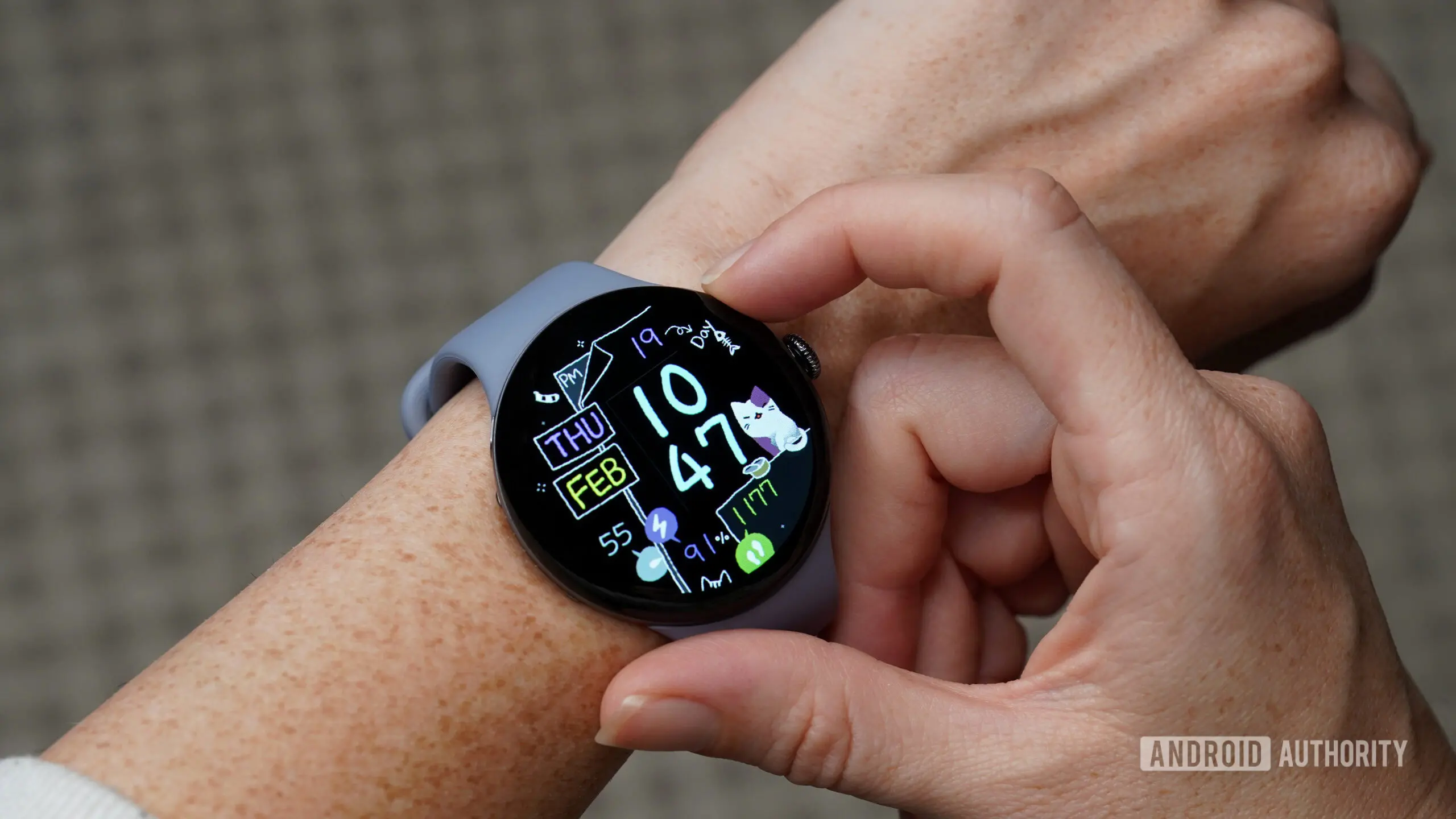
One of the most underrated conveniences of owning a smartwatch is the ability to locate a misplaced smartphone with a simple tap or voice command. For Google Pixel Watch owners, the Find My Phone feature has long been a staple — a quick way to make a phone ring when it slips between couch cushions, under a blanket, or in an unexpected pocket. But after the latest Pixel Watch software update, that convenience has suddenly disappeared for a growing number of users, forcing them to revert to old-fashioned hunting or rely on an unintended workaround.
According to multiple reports on Reddit and other forums, the Find My Phone shortcut on the Pixel Watch has stopped working for many individuals following the recent update. The issue appears to be widespread, affecting various Pixel Watch models, including the Pixel Watch 3, which has been on the market for nearly a year. Users describe a scenario where tapping the Find My Phone icon on the watch does nothing — the phone remains silent, and no ringtone plays. In some cases, the watch itself may even freeze or crash, further compounding the frustration.
The problem was first highlighted in a post by Reddit user Silent_Polak, who reported that the feature had been working flawlessly for 11 months until the latest update broke it. The post quickly gained traction, with dozens of other owners chiming in to confirm they were experiencing the same issue. One user noted that they rely on the feature multiple times a day, especially in a busy household where phones constantly get buried under laundry or in bags. Another user, who works from home, mentioned that the feature saved them valuable minutes each day — minutes that are now lost to manual searches.
How the Find My Phone feature works
The Find My Phone functionality on the Pixel Watch is part of the broader Wear OS ecosystem. When activated, the watch sends a signal to the paired phone via Bluetooth or Wi-Fi, triggering a loud ringtone even if the phone is set to silent or vibrate mode. The feature is typically accessible through a dedicated tile or by pressing a button in the quick settings menu on the watch. Importantly, it does not rely on GPS or internet connectivity; it uses the existing Bluetooth connection between the watch and the phone, making it fast and reliable in most indoor environments.
Behind the scenes, the feature is part of Google's Find My Device network, which also allows users to locate lost devices using other Google devices. However, the ring functionality is distinct from the broader network and is designed for scenarios where the phone is nearby but out of sight. The Pixel Watch's implementation was praised for its simplicity — a single tap that immediately triggers the phone's ringer, with no need to open an app or navigate menus.
The update that broke everything
The software update in question rolled out in mid-May 2026, bringing several bug fixes and minor enhancements to the Pixel Watch. While Google's official changelog did not mention any changes to the Find My Phone feature, users quickly discovered that the update quietly broke it. The exact cause is still unknown, but speculation points to a regression in the Bluetooth communication stack or an unintended change in the watch's system UI. Some users noticed that the Watch app on their phone also became unstable after the update — opening and immediately crashing, which suggests a deeper connectivity issue.
Restarting both the watch and the phone did not resolve the problem for most users. Even factory resetting the watch — a drastic measure — failed to restore the Find My Phone functionality. This indicates that the bug is likely tied to a specific system component that is not reset by a standard wipe. Some users attempted to downgrade the software, but Wear OS updates are notoriously difficult to reverse, and Google does not provide official rollback paths.
User reactions and the workaround
The Reddit thread quickly became a hub of frustration and shared troubleshooting. Users expressed relief at discovering they were not alone, as many had assumed the issue was unique to their device or configuration. One user commented, "I thought my watch was defective and was about to order a replacement. Thank goodness I found this thread." Another user, a long-time Pixel Watch advocate, said, "This is the one feature I show off to friends who don't have a smartwatch. Now it's gone, and I look foolish."
Amid the complaints, a surprising workaround emerged. One user shared that while the standard shortcut no longer worked, asking Gemini directly on the watch to "find my phone" still triggered the ring. Gemini is Google's voice assistant that replaced Google Assistant on many Pixel devices. Although the voice command was not the primary way most users accessed the feature, it appeared to bypass whatever bug was crippling the tile. Multiple others confirmed that the Gemini voice command worked for them as well, providing a short-term fix even if it requires speaking to the watch instead of tapping.
This workaround has its own limitations. Voice commands require a clear internet connection and may not work in noisy environments or when the user is in a hurry. Additionally, some users reported that Gemini occasionally misinterprets the command or requires multiple attempts. Nonetheless, it has become the go-to solution for those who need the feature immediately.
Google acknowledges the issue
The good news is that Google appears to have taken notice. Earlier today, the Pixel Watch team posted an acknowledgment on the Reddit thread, stating that they are aware of the problem and are actively working on a fix. "We apologize for the inconvenience," the post read. "Our engineering team has identified the root cause and is testing a correction. The fix will be included in a future software update. In the meantime, using Gemini on the watch to find your phone should still work." Google did not provide an estimated release date for the update, leaving users uncertain about when normalcy will return.
This is not the first time the Pixel Watch has faced a feature-breaking bug. In October 2025, an update caused the watch's heart rate monitor to intermittently stop working during workouts, requiring a patch two weeks later. In February 2026, another update broke the always-on display for some users, again resolved with a subsequent release. These recurring issues have led some to question Google's software quality control for Wear OS, especially as the platform aims to compete with Apple's watchOS, which has historically suffered fewer post-update regressions.
The Find My Phone feature is particularly critical because it serves a practical everyday need. Unlike health tracking or notifications, which can be temporarily bypassed, the inability to locate a phone can create significant stress. Many users store their mobile payment cards, boarding passes, and two-factor authentication apps on their phones, making them indispensable. A malfunction in this area is more than an inconvenience — it can disrupt daily routines and even cause genuine panic.
Broader implications for the Pixel Watch ecosystem
The bug also highlights a growing concern among Pixel Watch owners: the device's reliance on frequent, often untested updates. Google has adopted a rapid update cadence for the Pixel Watch, pushing monthly security patches and quarterly feature drops. While this approach ensures that users get the latest improvements quickly, it also increases the risk of introducing regressions. The Find My Phone issue is a stark reminder that with fast updates comes the potential for instability.
Some industry observers draw parallels to similar problems in the smartphone world, where updates sometimes break core features like Wi-Fi or cellular connectivity. For smartwatches, the stakes are lower in terms of safety but higher in terms of user trust. A smartwatch is a companion device; if it cannot perform its most basic tasks reliably, users may reconsider their investment. The Pixel Watch 3, in particular, was marketed as a refined, mature product that had ironed out earlier kinks. This bug tarnishes that image.
On the positive side, Google's quick acknowledgment and transparent communication are commendable. Unlike some companies that remain silent for weeks, Google engaged with users on the very platform where complaints were raised. The company also provided a legitimate workaround, which, while not ideal, shows that the team is actively mitigating the issue rather than ignoring it. The promise of a fix, even without a timeline, offers reassurance.
For now, affected users have two options: use Gemini to find their phone or live without the feature until the patch arrives. Some have also resorted to using third-party apps like "Find My Device" from the Play Store, though these require opening an app on the watch and may not be as seamless. A few users have even set up custom Tasker actions to trigger the phone's ringer via other means, but such workarounds are beyond the reach of average consumers.
In the meantime, the issue serves as a cautionary tale for anyone relying heavily on smartwatch features. It underscores the importance of keeping backup methods for essential tasks — such as manually calling your phone from another device or using a dedicated finder tag like Tile. No piece of technology is immune to bugs, and the best strategy is to have multiple ways to achieve the same goal.
As Google works on a permanent fix, the community of Pixel Watch users remains hopeful that the next update will restore the Find My Phone feature without introducing new problems. The company's track record suggests that a patch is likely weeks away, not months. Until then, the conversation on Reddit continues, with users sharing tips, commiserating, and occasionally joking about the irony of a watch that cannot find a phone now needing a phone to verify its own functionality. For many, the wait is a small price to pay for the otherwise excellent experience the Pixel Watch provides — but it's a wait that nobody wanted.
Source: Android Authority News