

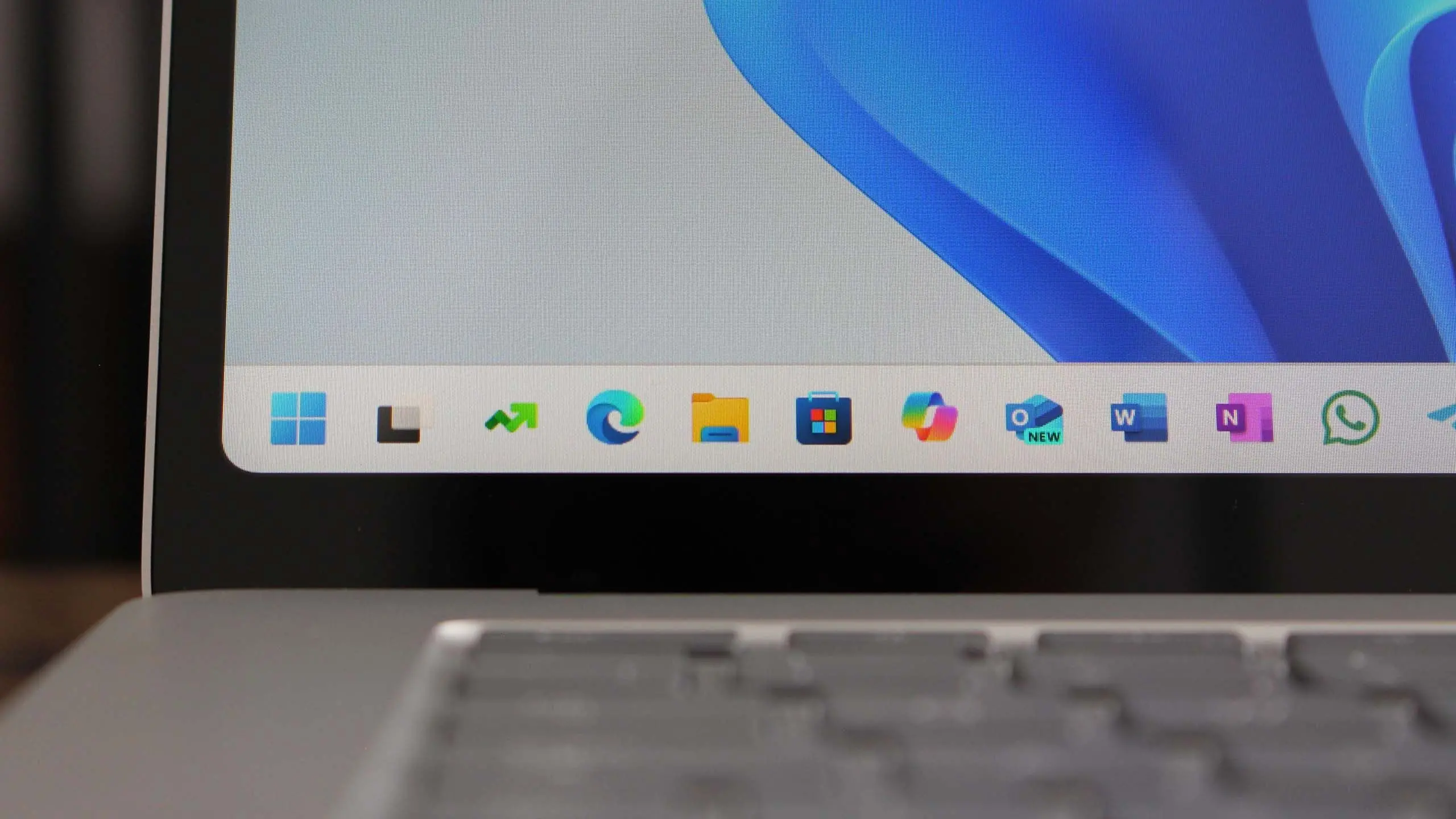
Microsoft continues to refine its Windows 11 operating system with the upcoming version 25H2, a major feature update expected to arrive in the second half of 2025. While the company has not yet officially confirmed all details, early insider builds and industry rumors paint a clear picture of what’s coming. This update is set to follow the pattern established by previous releases: a focus on artificial intelligence, user interface refinements, and deeper integration with cloud services. Here is everything you need to know about Windows 11 version 25H2.
Release Timeline and Naming
Microsoft typically ships major Windows 11 updates in the second half of the year, and 25H2 is expected to follow that rhythm. The "25" in the version number stands for the year 2025, and "H2" indicates the second half of the calendar year. Based on the company’s history, a preview or release preview build should become available to Windows Insiders in the spring of 2025, with a stable rollout beginning around September or October. However, delays are always possible, especially if major features are still being polished. Microsoft has also been experimenting with releasing feature updates as enablement packages for smaller changes, but 25H2 is likely to be a full build upgrade with a new base image.
One key difference from earlier updates is that Microsoft may decouple some AI features from the main OS release, delivering them via the Microsoft Store or cloud updates. This means that even if you are on an older feature update, you might still receive certain innovations.
AI Integration: Copilot Everywhere
The centerpiece of Windows 11 version 25H2 is expected to be an even deeper integration of Microsoft Copilot, the AI assistant that debuted in 2023. In 25H2, Copilot will become more context-aware, able to monitor your workflow and offer proactive suggestions. For example, if you are working on a document and frequently switch between apps, Copilot might suggest creating a workflow automation or summarizing email threads. The assistant will also gain the ability to control more system settings through natural language, such as changing display brightness, enabling dark mode, or managing Bluetooth devices.
Microsoft is also expected to introduce local AI processing using Neural Processing Units (NPUs) common in modern PCs. This will allow some Copilot interactions to happen offline, improving privacy and reducing latency. Features like real-time captioning, background blur in video calls, and AI-powered photo editing (similar to what is already in Paint and Photos) will see enhancements. The company may also bring generative AI to File Explorer, enabling users to search for files by describing their content or creation date in plain language.
User Interface and Shell Improvements
Windows 11 25H2 is rumored to include a refreshed interface that builds on the design language introduced with version 22H2. The Start menu and taskbar may receive new customization options, such as the ability to center or left-align the taskbar without third-party tools, and more flexible icon grouping. The system tray, which has been a sore point for many users, could finally get the ability to show all icons by default or reorder them more intuitively.
Snap Layouts, one of the most praised features of Windows 11, will be expanded with support for custom layout creation. Users will be able to save their own snap layouts and assign them to specific applications or window groups. Virtual desktops are also getting smarter: you will be able to name them and assign different wallpapers, and Microsoft might introduce a dashboard overview that shows all desktops at once with live previews.
File Explorer is expected to receive another round of updates. The current modernized version with tabs and a refreshed sidebar (introduced in 23H2) will likely add support for third-party storage services like Dropbox or Google Drive directly in the navigation pane, similar to what is already possible on macOS. The context menu will finally become faster, with fewer "Show more options" clicks needed to access common actions like copy, paste, and rename.
Security and Privacy
Security remains a top priority for Microsoft, and 25H2 will bring several enhancements. The built-in antivirus Microsoft Defender is expected to gain improved ransomware protection with automatic folder locking based on user behavior. Smart App Control, which blocks untrusted applications, will be extended to cover scripts and macros used in Office documents. Windows Hello biometric authentication will support more hardware, including external IR cameras and fingerprint readers that are certified for government-grade security.
Another notable addition is the expansion of Pluton, the security processor co-developed with AMD and Intel. Pluton will be required or optional depending on the OEM, but Microsoft aims to make it standard in all new Copilot+ PCs. This chip provides hardware-level protection for credentials and encryption keys, even if the operating system is compromised.
Privacy settings will also be revamped. A new privacy dashboard will consolidate all location, camera, microphone, and diagnostic data controls in one place, with clearer explanations of what each setting does. Users will have the option to disable all telemetry with a single toggle, though basic diagnostic data may remain mandatory for security updates.
Performance and Battery Life
Windows 11 25H2 is likely to bring performance optimizations, especially for devices with low memory or older processors. The OS will use less RAM at idle, and Microsoft is working on a new energy-saving mode that extends battery life on laptops by reducing background activity and dimming the display when not in use. This mode may be automatically activated when the battery drops below 20%.
The update will also introduce better support for ARM-based processors from Qualcomm, AMD, and Nvidia. With the rise of ARM laptops like the Surface Pro X and the new Windows on ARM ecosystem, 25H2 will improve x64 emulation performance, allowing legacy apps to run with fewer slowdowns. The OS will also take advantage of the built-in NPU in modern ARM chips to offload AI tasks from the CPU and GPU, freeing up resources for other applications.
Gaming and Graphics
For gamers, Windows 11 25H2 will include DirectX 13? Not quite, but Microsoft is working on DirectStorage 2.0, which allows games to load assets directly from the GPU without burdening the CPU. This reduces loading times and improves texture streaming in open-world games. Auto HDR will now support more games, even those developed for older versions of Windows. The Xbox Game Bar is receiving a major overhaul with a new interface that can be customized with widgets for performance monitoring, screenshots, and social features.
The update will also bring better support for variable refresh rate monitors, including those with VRR (Variable Refresh Rate) flicker reduction. For users with multiple high-refresh-rate displays, Windows 11 25H2 will handle differences in refresh rates more gracefully, preventing the system from defaulting to the lowest common denominator.
Hardware Requirements and Compatibility
Microsoft has not raised the minimum system requirements for Windows 11 since its launch, and 25H2 is expected to maintain the same baseline: a 64-bit CPU with at least 1 GHz and 2 cores, 4 GB of RAM, 64 GB of storage, UEFI Secure Boot, and TPM 2.0. However, many new AI features will require an NPU with at least 45 TOPS (trillions of operations per second) of performance. That means older PCs without dedicated AI accelerators may not be able to use Copilot+ functions like Windows Studio Effects or real-time translation. Microsoft is framing this as a hardware differentiation, much like how some Windows 11 features require a DirectX 12 graphics card.
If your PC does not meet the NPU requirement, you will still receive the update and most security and UI improvements, but the advanced AI tools will be greyed out. This mirrors the approach seen in Windows 11 24H2’s Copilot+ features.
Enterprise and IT Administration
For business users, Windows 11 25H2 will introduce Windows 365 Boot improvements, allowing devices to boot directly into a cloud PC. The update will also include new management tools within Microsoft Intune, making it easier to deploy updates and enforce compliance policies. Microsoft is pushing a concept called "Windows as a Device" where the OS is continuously updated, reducing the need for major rebuilds. However, enterprises will still be able to use feature update deferrals as needed.
Another enterprise-focused feature is enhanced Windows Defender for Endpoint with AI-driven threat hunting. This will automatically analyze suspicious patterns and recommend isolation steps without IT intervention.
What Will Not Be in 25H2
While there are many rumors, some expected changes are unlikely. A full redesign of the desktop with widgets taking over the entire screen is improbable, as Microsoft is still iterating on the current widget board. Similarly, the rumored ability to run Android apps natively (beyond the current Amazon Appstore integration) appears to have been shelved. Microsoft is focusing on its own app ecosystem and cloud gaming instead.
Rumors of a subscription-based Windows have also been denied by the company; Windows 11 25H2 will remain a free update for existing Windows 11 users and a one-time purchase for new builds.
Bottom Line
Windows 11 version 25H2 is shaping up to be a significant update, solidifying Microsoft’s AI-first strategy while refining the user experience. The release date is tentatively set for late 2025, with Insiders getting early access in the spring. While not every new feature will be available on older hardware, the core OS improvements—better security, performance, and usability—will benefit all users. For those planning to purchase a new PC in 2025, choosing one with an NPU will unlock the full potential of what Microsoft envisions for the future of Windows.
Source: Windows Central News